
Basics
Castle sieges are one of the main events in the game world.
Owning a castle grants access to a various rewards, privileges, and special features. Clans fight for the right to own a castle and control territories. Every player can join a clan and take part in large-scale battles.
This article contains information about castles, their features, and the rules of the event. You will also find recommendations for successfully capturing and defending a castle.
Castle types
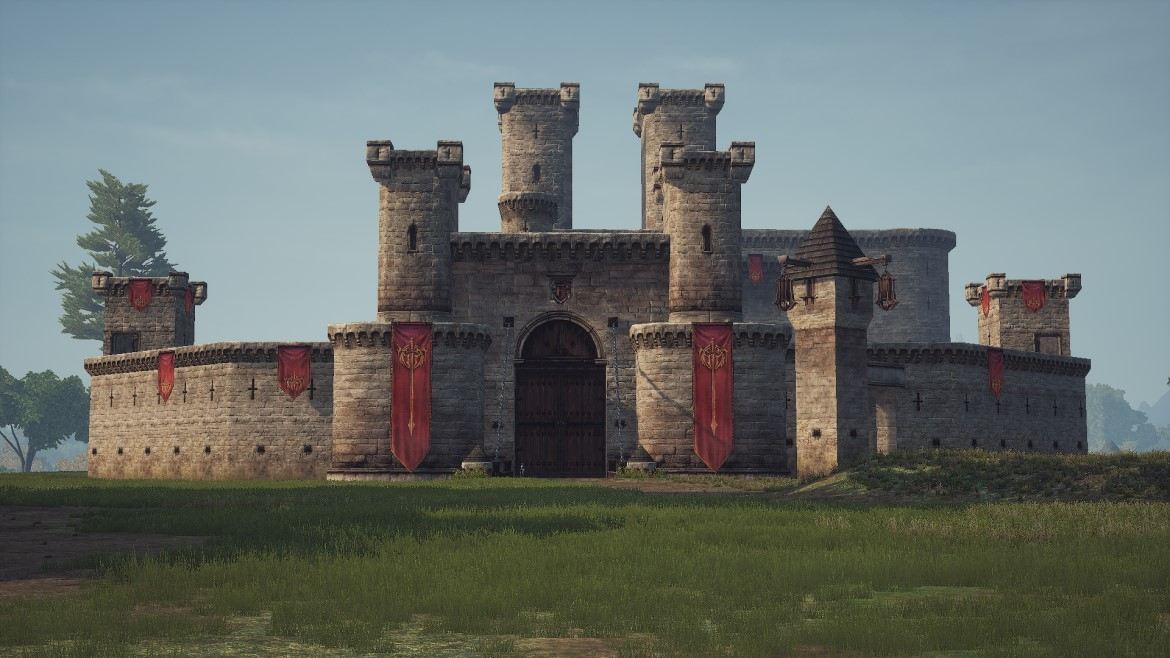
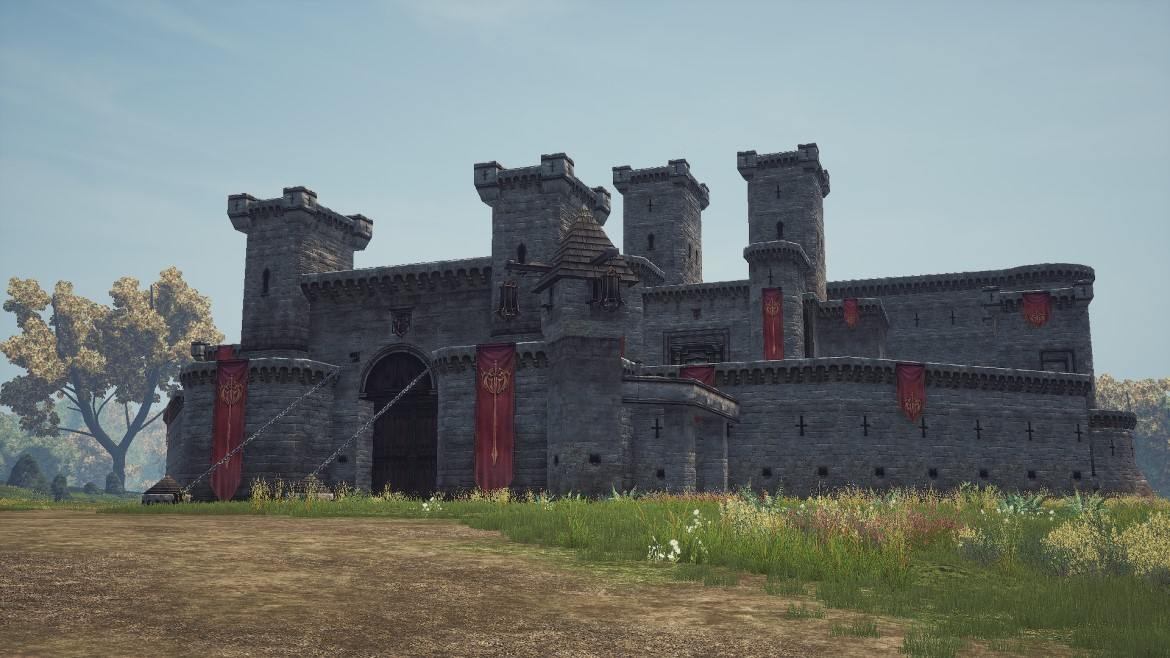
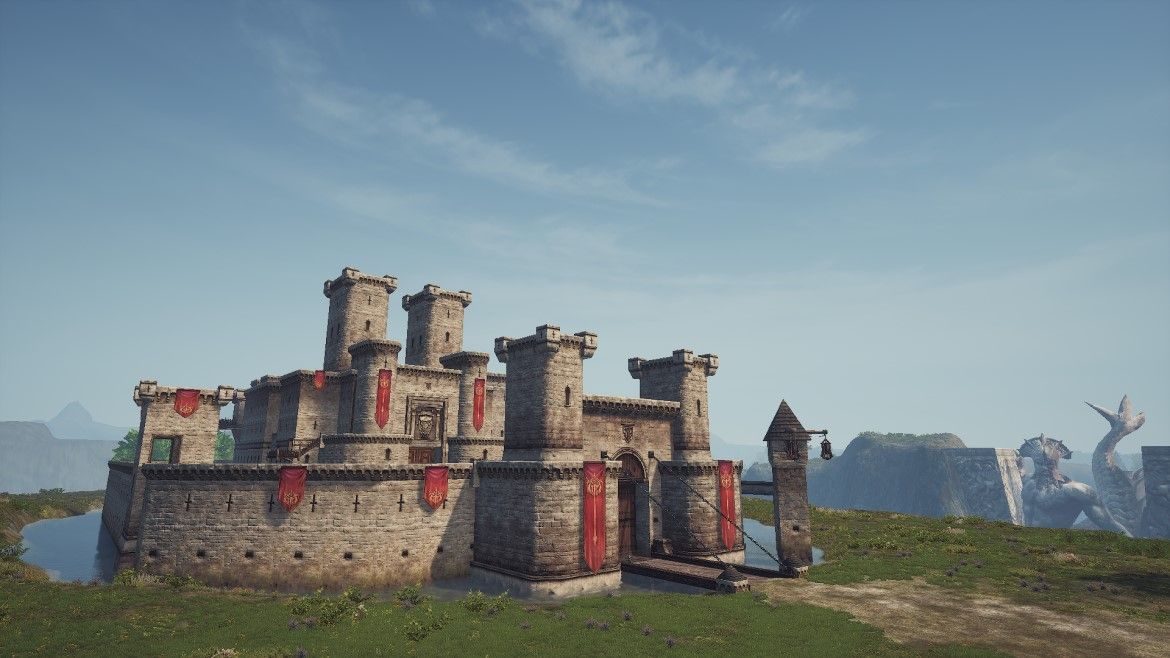
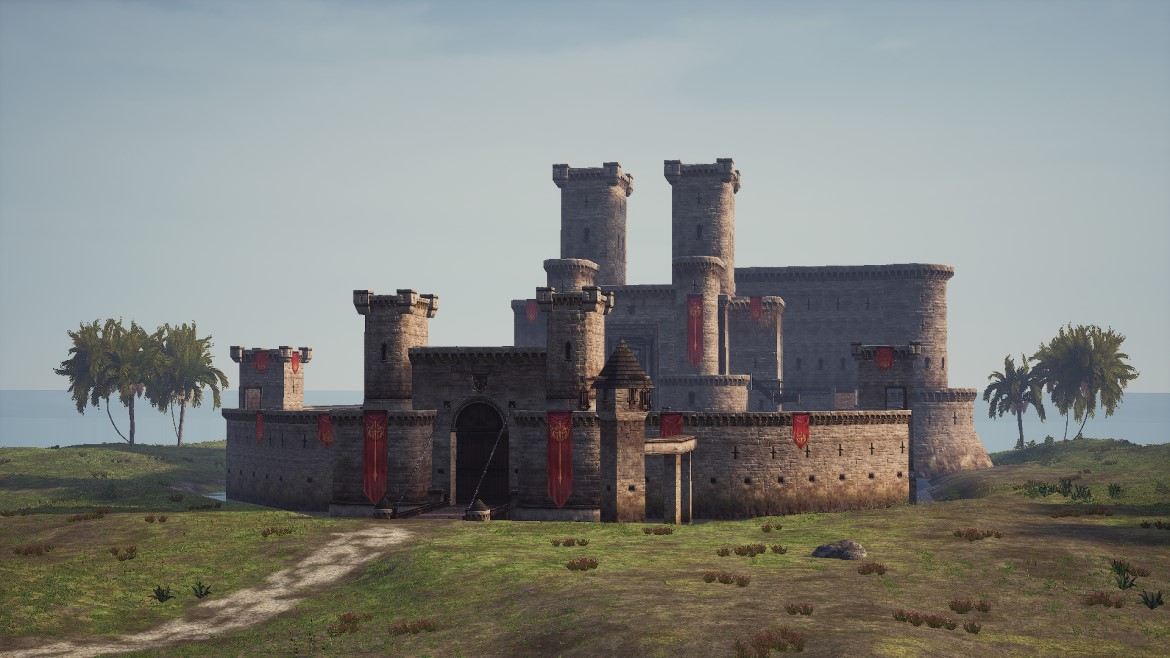
As part of the Lu4 pre-alpha test, five castles are available. They all share the same architecture, but differences in the surrounding landscape and the placement of teleportation points affect the directions of attack and defense.
Types of castles and features of attack/defense:
-
Gludio
- The castle is located close to the city. Attackers can quickly regroup for another rush. The river serves as a natural barrier, making it easy for defenders to predict the attack direction.
-
Dion
- The castle is also located near the city, allowing attackers to quickly resume their assault. According to the open terrain, enemies can surround the castle and strike from an unexpected direction.
-
Giran
- The castle is located far from the city, so another attack requires more time. The terrain acts as a natural barrier, and attackers have only two possible directions of advance from the front side of the castle.
-
Heine
- The castle is located on an island, far from the city. A repeat assault requires attackers to spend a lot of time. The only path of attack is the bridge connecting the island to the mainland. By controlling the bridge, defenders can significantly limit the enemy's options.
-
Oren
- The castle is located at a moderate distance from the city. It stands on a hill and has no natural barriers, allowing attackers to approach from different sides and encircle it.
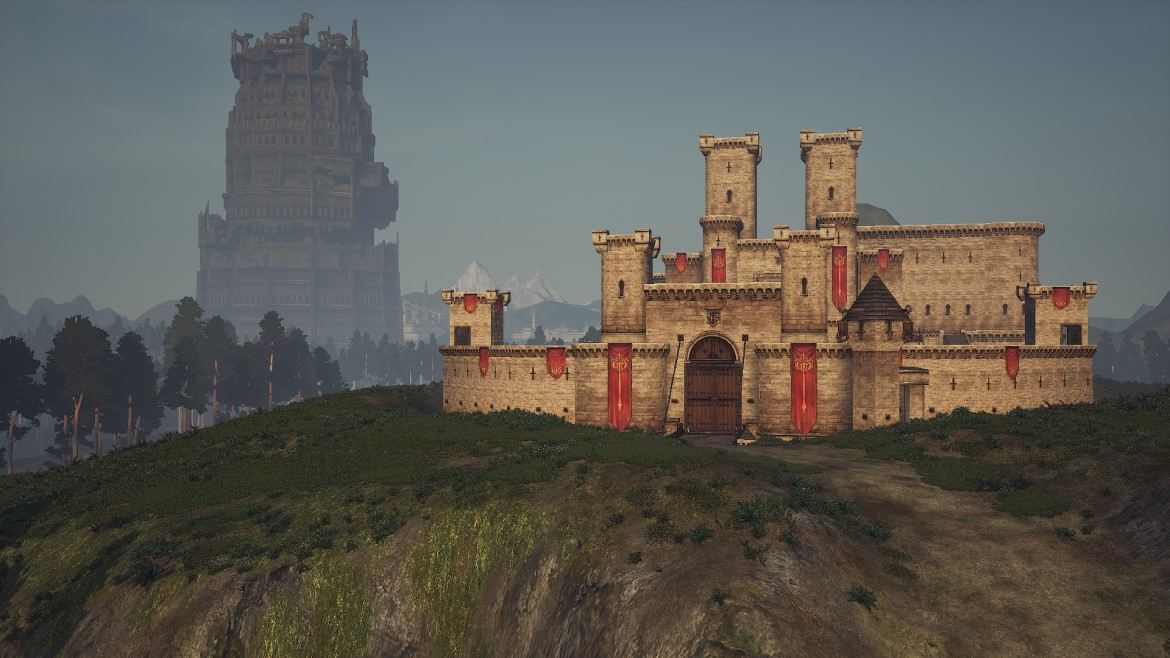
Castle structure
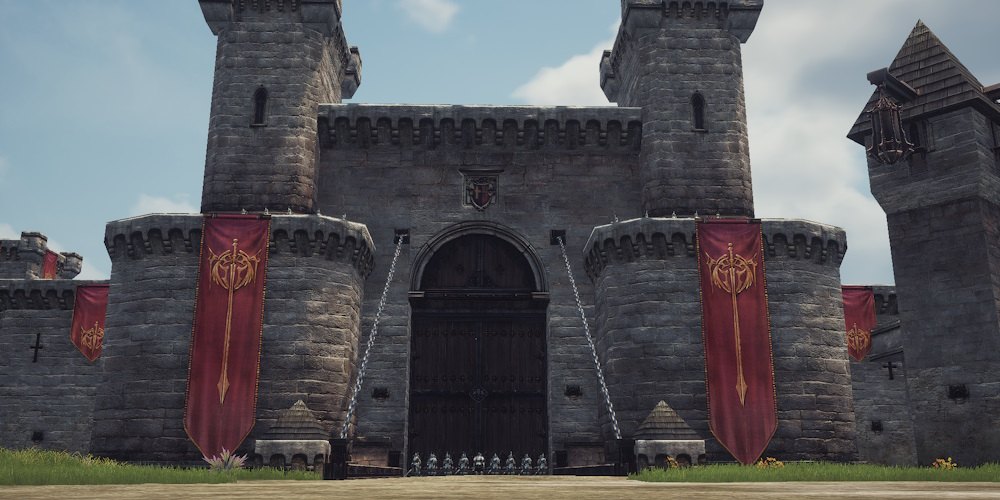
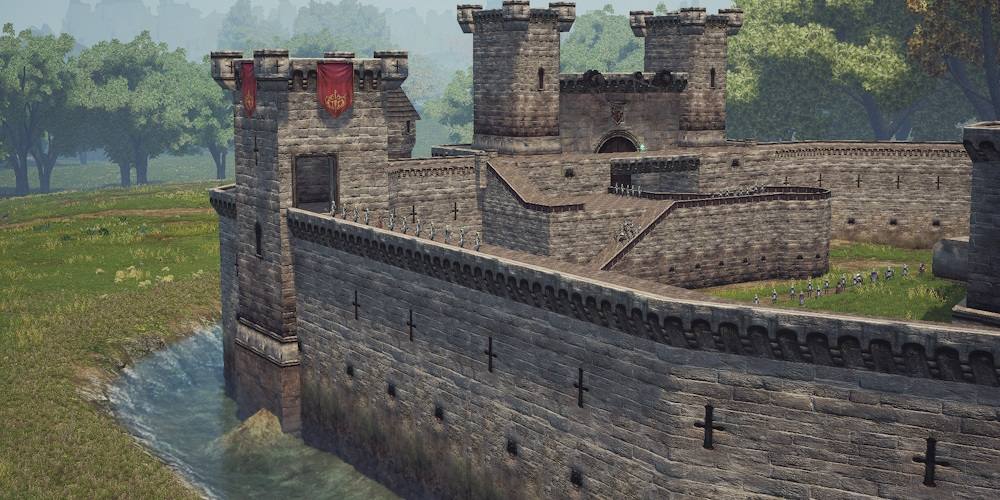
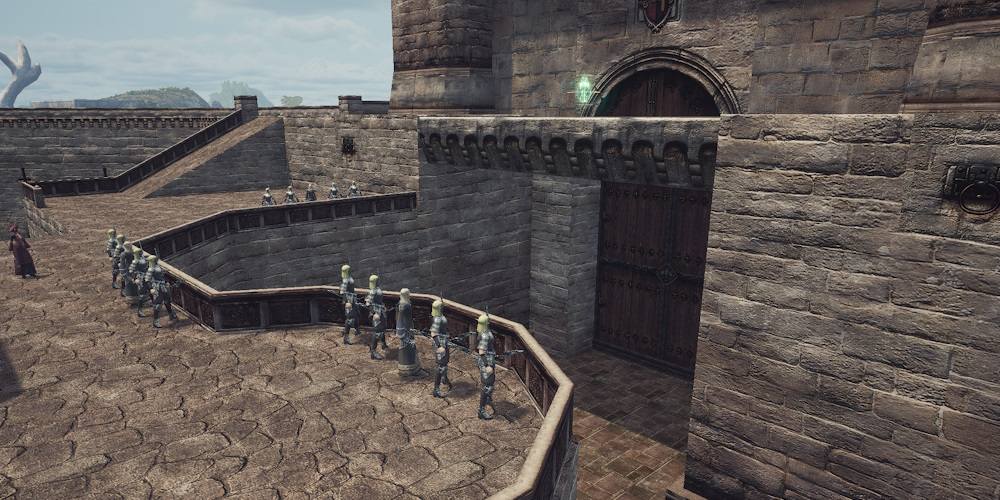
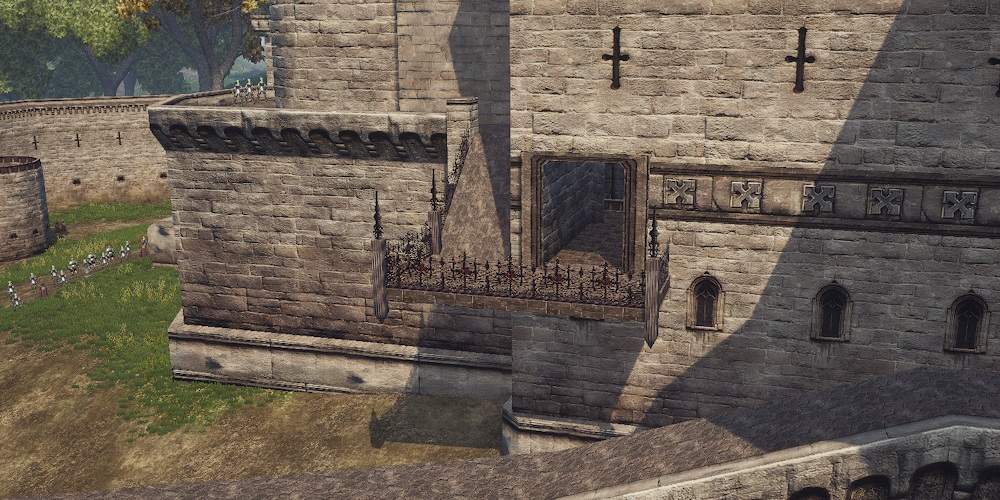
All castles feature a standard set of defensive structures, with their placement and number depending on the layout. In the Lu4 pre-alpha test, all castles have the same layout, so differences in defense are primarily related to the surrounding landscape.
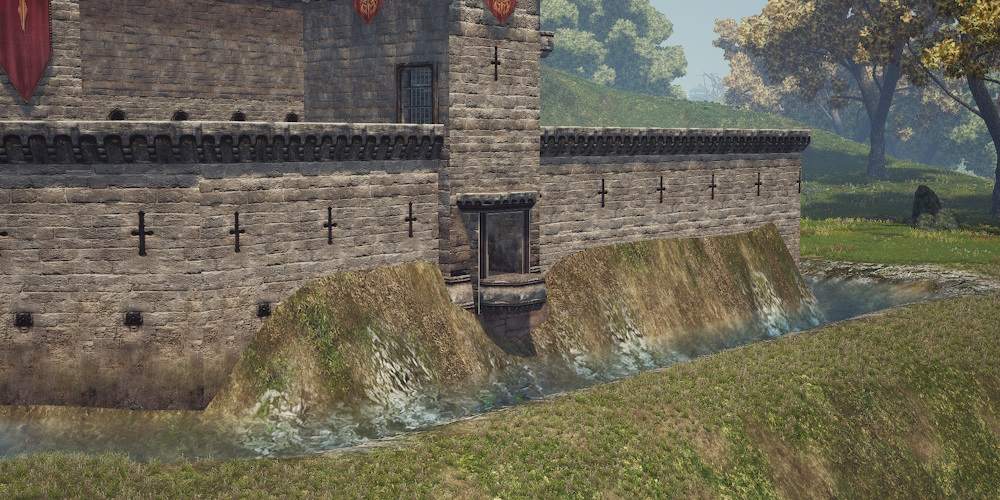
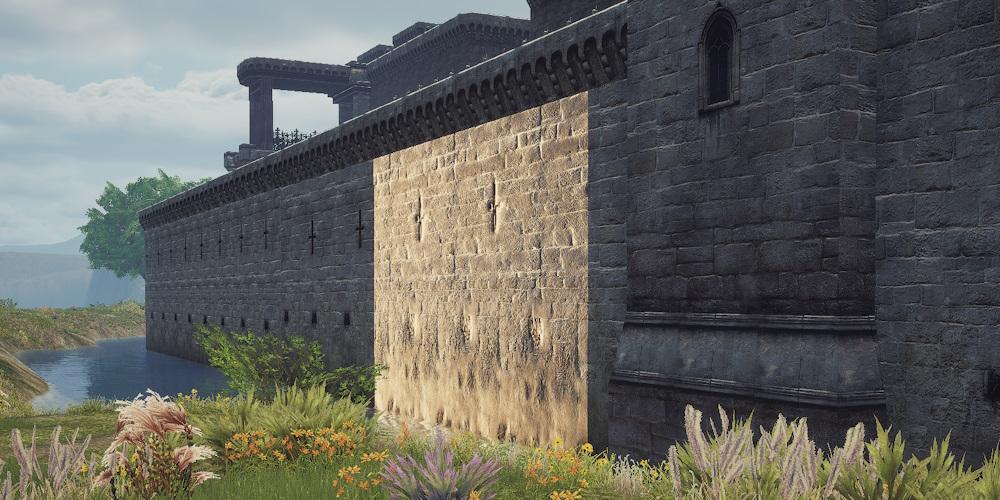
Outer section:
- Guards in front of the castle
- Guards on the castle walls
- Moat around the castle
- Bridge in front of the main gates
- Destructible main gates
- Outer walls surrounding the castle
- Two destructible sections of the outer walls
- Emergency exit at the back
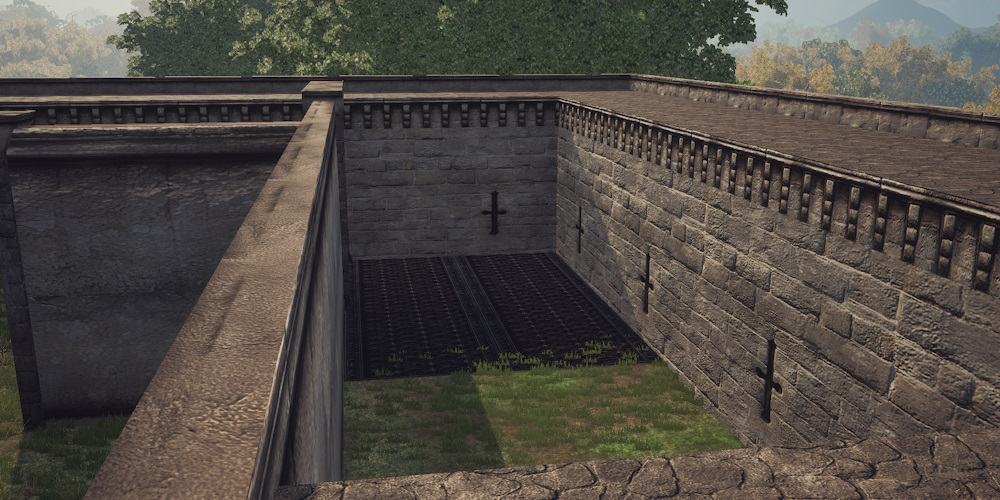
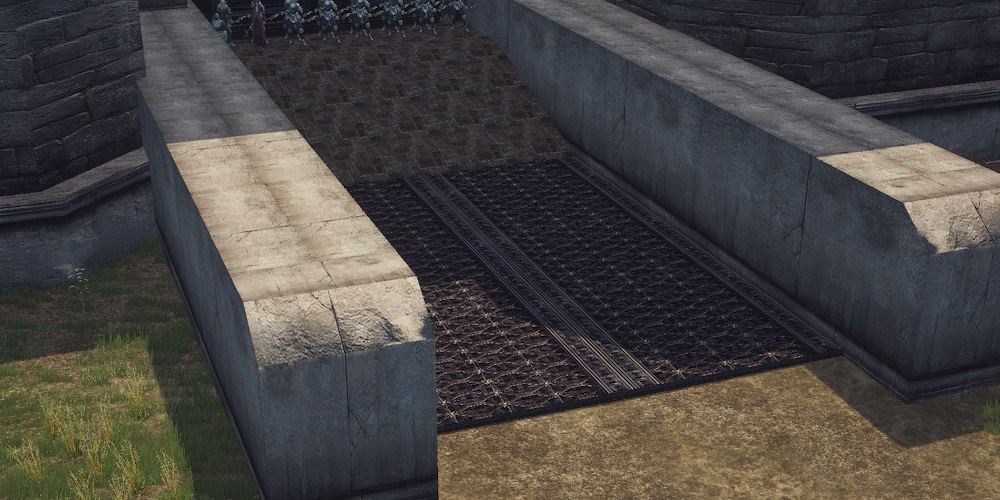
Inner courtyard:
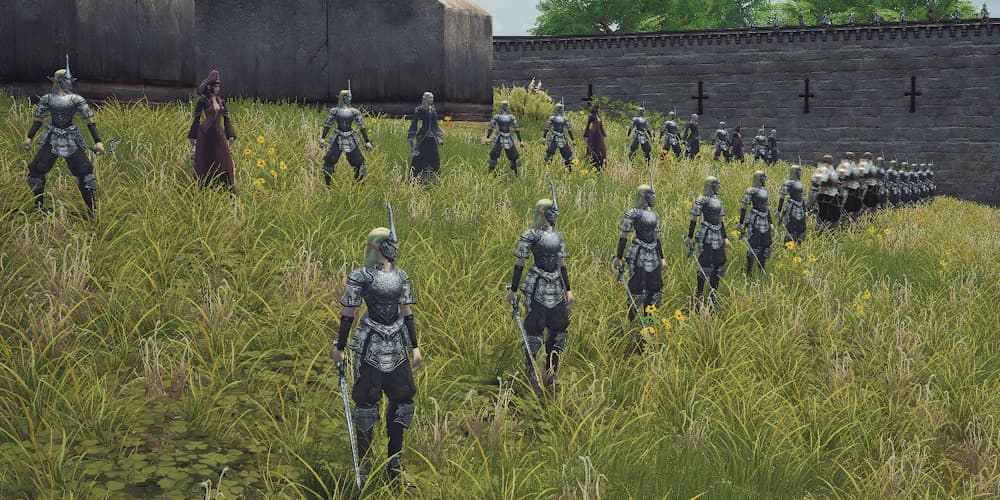
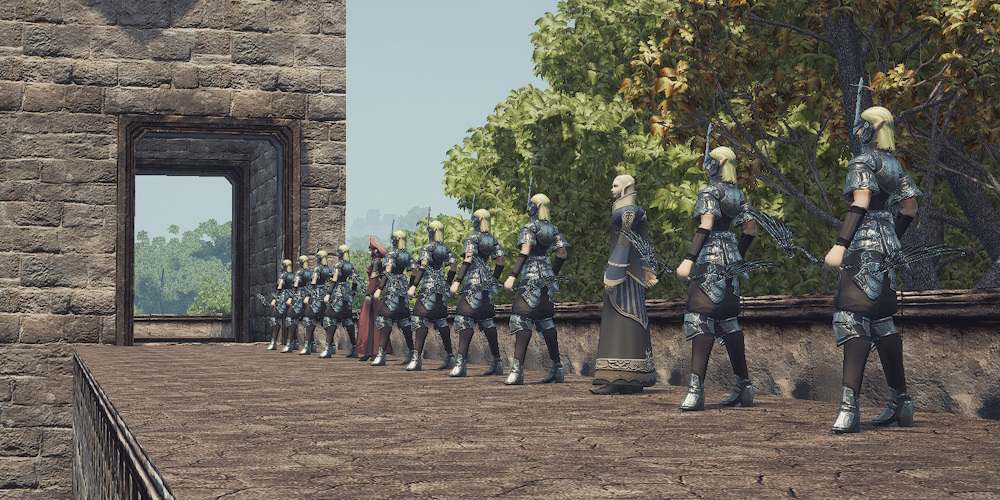
- Guards in the inner courtyard
- Guards on the castle walls
- Guards on the balconies
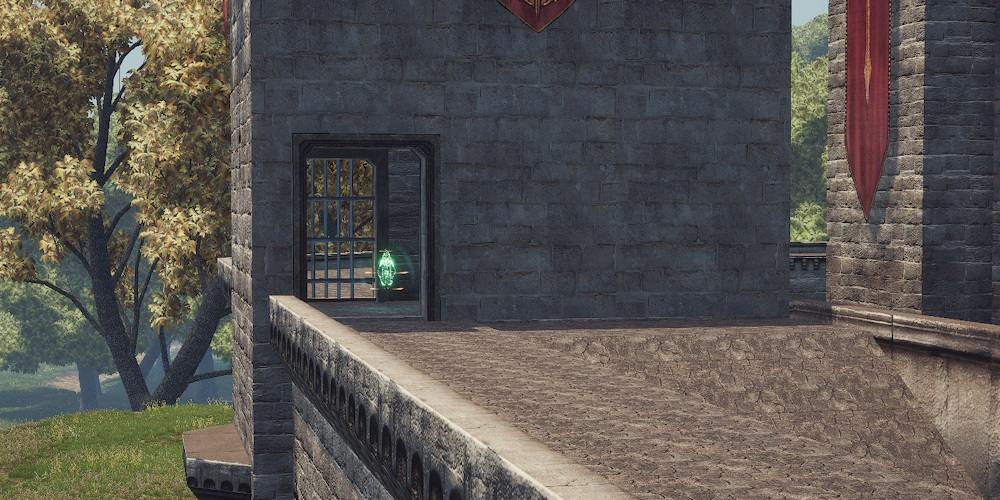
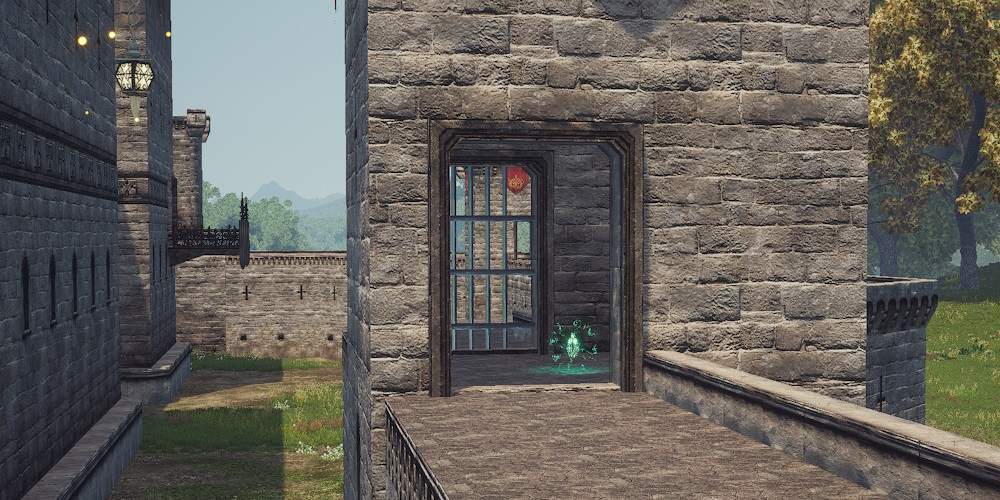
- Life Control Tower above the main gates
- Life Control Tower above the emergency exit
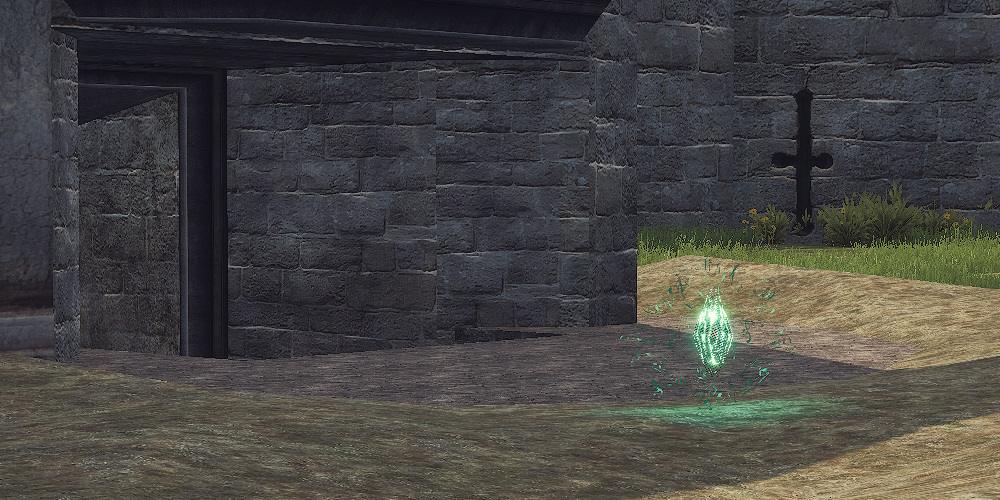
- Flame Control Tower in the back courtyard
- Flame Control Tower in the tower on the left side
- Floor trap in the back courtyard
- Floor trap in front of the inner gates
- Destructible inner gates
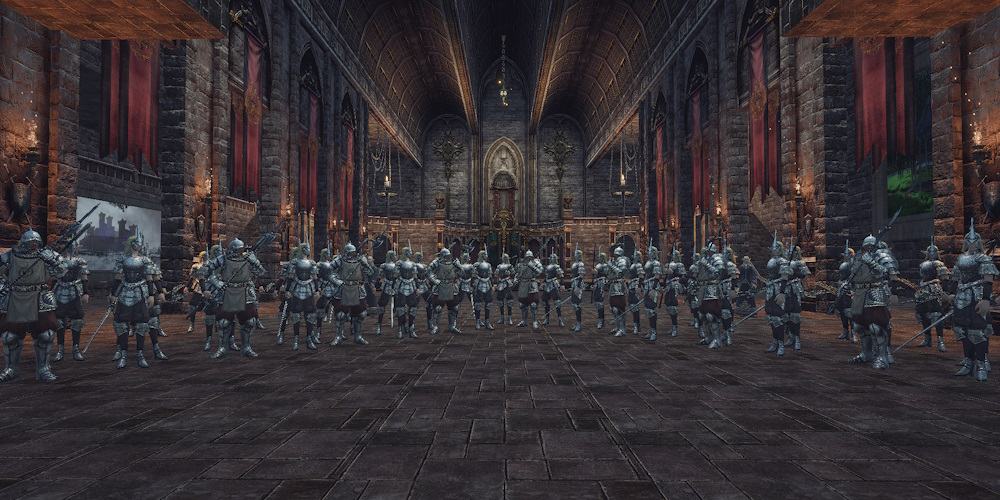
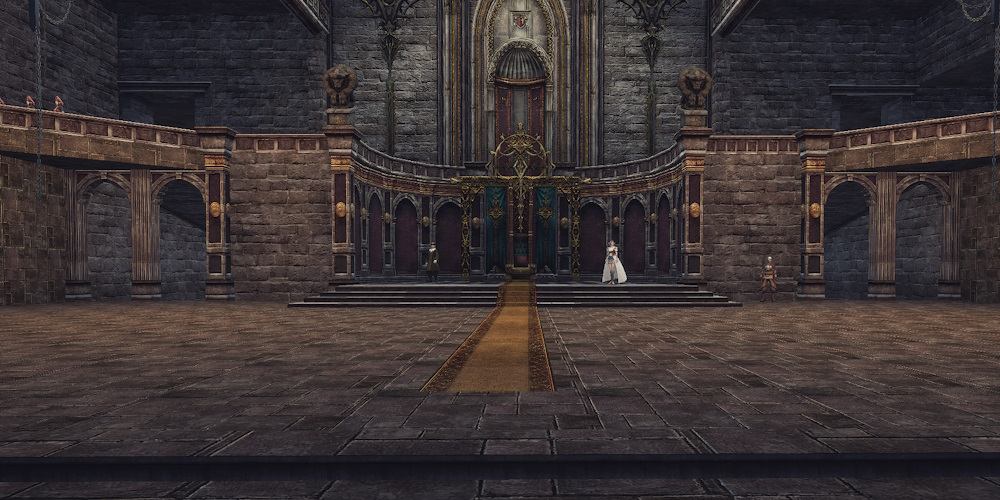
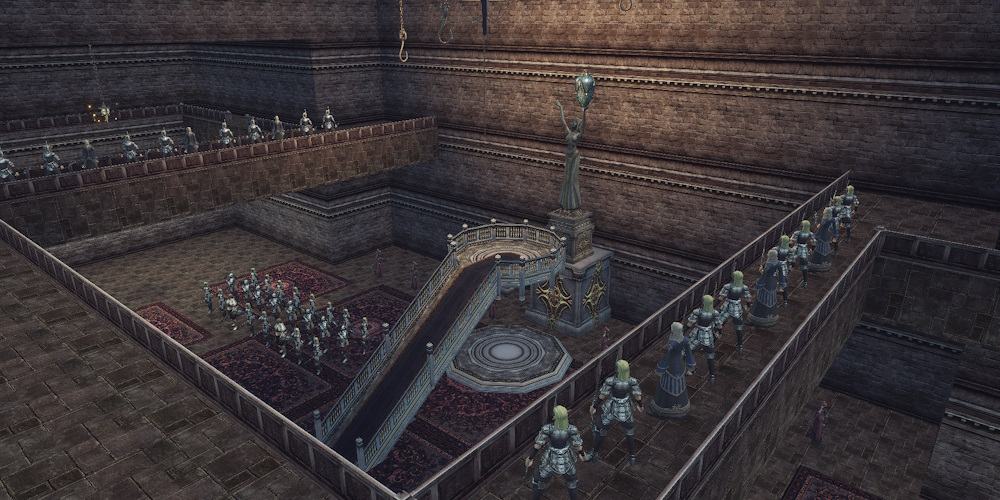
Throne hall:
- Guards in the throne hall
- Guards at the stairs to the second floor
- Stairs to the second floor
- Exit to the balconies of the inner courtyard
- Exit to the roof
- Emergency exit from the roof outside the castle
- Descent to the dungeon
- Passage to the sanctuary
- Passage to the upper level of the sanctuary
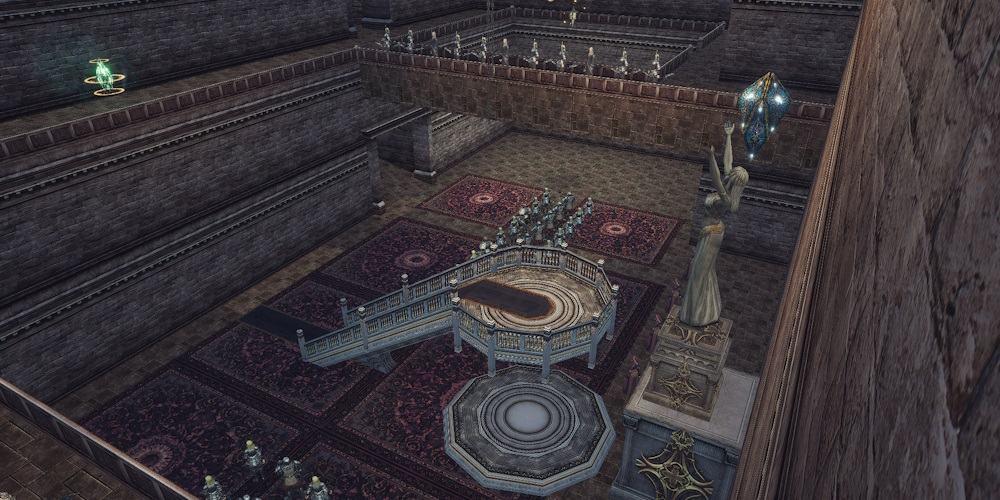
Sanctuary:
- Guards in front of the sanctuary
- Guards on the upper level
- Life Crystal on the upper level
- Holy Artifact
Registration
Castle sieges take place once every two weeks on Sunday at 20:00 server time.
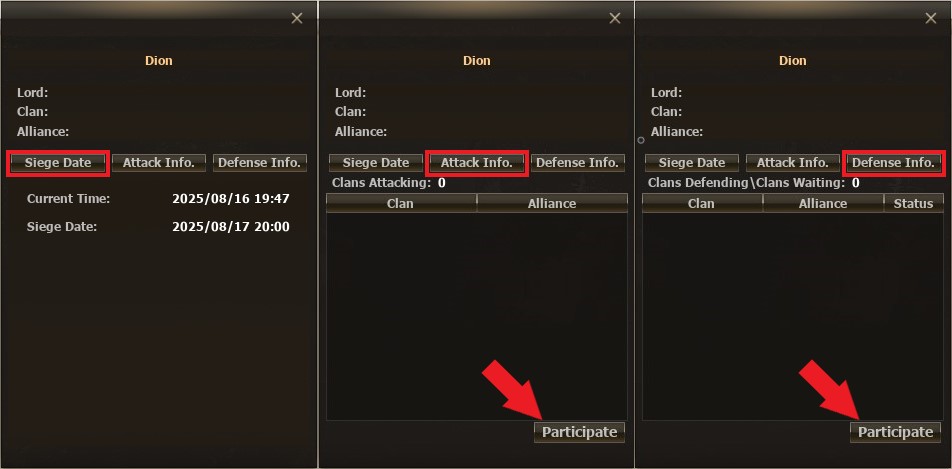
Registration for sieges is available only in 5 castles. To register a clan for a siege, find the special messenger in the area in front of the castle and speak with him.
| Castle | NPC for registration |
|---|---|
|
|
 Tyron Sir

|
|
|
Gibbson Herald
|
|
|
Holmes Sir
|
|
|
Raybell Sir
|
|
|
Sherwood Messenger
|
Registration conditions:
- Castle siege registration is available for clans of level 4 and above
- Registration opens right after the end of a siege and closes 24 hours before the start of the next siege
- The right to register a clan or cancel registration belongs to the Clan Leader, as well as any clan member with the appropriate privileges
- A clan can register either on the attacking side or the defending side
- The clan that owns the castle is automatically registered as a defender
- Registration on the defending side must be confirmed by the Clan Leader of the defending clan
- A clan registered as a defender but not confirmed is considered unregistered
- Registered clans are displayed in the attacker or defender list with the NPC registrar
- Registration as a defender is not available for castles controlled by NPCs
Siege Mechanics
Quick guide
Castle capture:
- Destroy the main gates or the destructible wall sections to enter the inner courtyard
- Break the inner gates to open the throne room
- Pass through the throne room into the sanctuary
- The Clan Leader must use a special skill to capture the Holy Artifact
- Protect the Clan Leader during the capture of the Holy Artifact — defenders can interrupt the process
- At each stage, you will face defending players and NPC guards
Recommendations:
- Place Outposts in the siege zone in front of the castle
- Destroy the Control Towers to weaken the defenders
- Summon Siege Golems to destroy the castle walls and gates, and protect the Golems and their summoners from enemy attacks
Castle Defense:
- Position archers and mages on elevated areas and outer walls
- If the main gates and/or outer walls are destroyed, defend in the inner courtyard
- If the inner gates are destroyed, defend in the throne room or the sanctuary
- Prevent attackers from capturing the Holy Artifact. Interrupt the capture process by attacking the enemy Clan Leader
Recommendations:
- Use the castle layout to fight from advantageous positions, trapping attackers in narrow passages
- Take advantage of the NPC function near the gates to quickly move through closed gates
- Meet attackers in the siege zone outside the castle and prevent them from destroying defensive structures
- Send mobile groups through the emergency exit to destabilize the attackers' forces
- Destroy enemy Siege Golems — killing the dwarf will also dismiss the Golem
- If three Control Towers are destroyed, in some cases it will be more convenient to respawn in the city and return to the castle on foot
Stages of the Siege
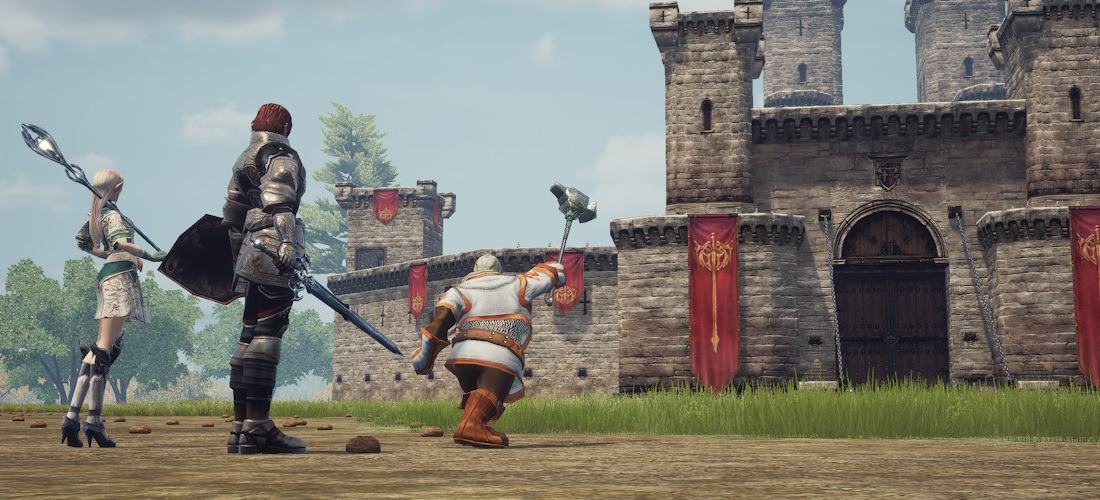
Sieges begin on Sunday at 20:00 server time. The start of the Siege activates the Siege Battle Zone around the Castles. At the moment the Siege begins, all players in the Siege Battle Zone, except defenders, will be teleported outside the castle.
Siege participants will receive special icons above their character’s head:
-

 — Attackers
-

 — Defenders
-

 — Clan Leaders
- No icon - Unregistered
Allies and enemies are distinguished by the color of the icon:
- Blue icons — allied Clans
- Red icons — enemies
Siege stages and rules:
| Stage | Rules for Attackers | Rules for Defenders | Unregistered |
|---|---|---|---|
| Start of the Siege | Teleported outside the castle | Remain inside the castle | Teleported outside the castle |
| Before ownership changes |
Attacking siege alliance: • Cannot attack each other |
Defending siege alliance: • Cannot attack each other |
Can attack everyone Cannot capture the castle |
| After ownership changes |
The siege alliance is dissolved Can attack everyone |
New owners become defenders Former defenders are teleported from the castle to a safe zone and become attackers The siege alliance is dissolved |
Can attack everyone Cannot capture the castle |
Clans participating in a Clan War become allies for the duration of the Siege Alliance.
Siege Battle Zone
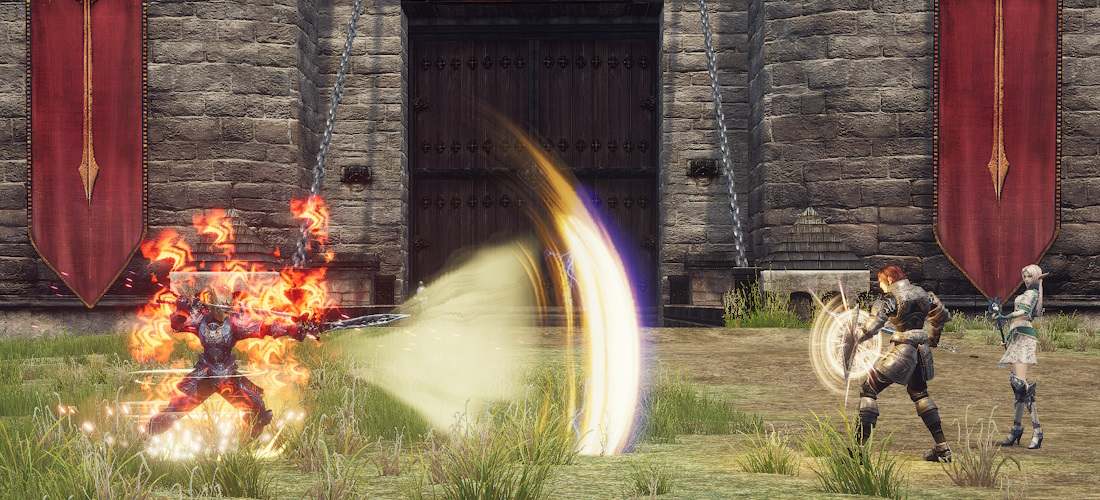
During the Siege, the Castle territory becomes a Battle Zone.
The following rules apply in the Siege Battle Zone:
- Attacking enemies and using debuffs is allowed without forced attack or the "flagged" status effect
- The PK (Player Killer) counter does not increase for killing other characters
- Killing a character outside the battle zone from within the battle zone does not add Karma or increase the PK counter
- Leaving the siege battle zone applies the "flagged" effect to the character
- A defending character cannot be resurrected with skills or scrolls if two or more Life Control Towers are destroyed
- An attacking character can only be resurrected with skills or scrolls if an Outpost has been placed
- Only Leaders of attacking Clans can place an Outpost in the Siege Battle Zone
Experience Loss:
- A registered character does not lose Experience upon death in the Siege Battle Zone
- An unregistered character loses 4% Experience upon death, even in PvP
- If a character is registered in one castle and dies in the zone of another castle — the character loses 4% Experience
Consumables
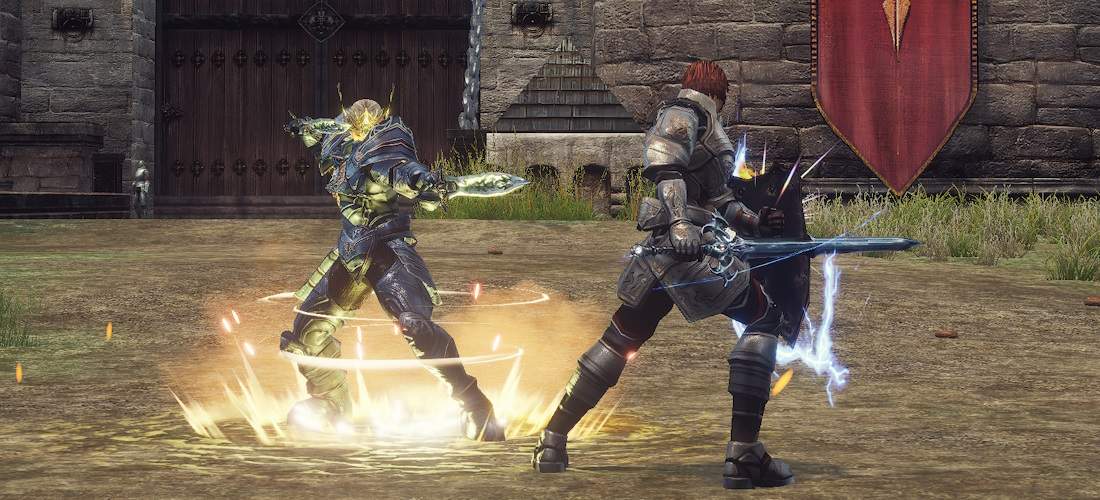
Charms are special items that allow you to resurrect your character immediately after death.
Types of Charms:


Charms can only be used in the Siege Battle Zone, with a cooldown of 20 minutes. Charms can be purchased at any Grocery Shop.
The resurrection effect of Charms works only in the Siege Battle Zone.
A character’s death in the Siege Battle Zone has a certain chance to apply the negative effect
 Battlefield Death Syndrome
Lv. 1
, with subsequent deaths increasing the level of the negative effect
up to level 5.
Battlefield Death Syndrome
Lv. 1
, with subsequent deaths increasing the level of the negative effect
up to level 5.
-
Battlefield Death Syndrome
Lv. 1
— P. Atk./ M. Atk. -5% Atk. Spd. -5% Casting Spd. -5% Accuracy -2 Evasion -2
-
Battlefield Death Syndrome
Lv. 2
— P. Atk./ M. Atk. -10% Atk. Spd. -7% Casting Spd. -7% Accuracy -3 Evasion -3
-
Battlefield Death Syndrome
Lv. 3
— P. Atk./ M. Atk. -15% Atk. Spd. -10% Casting Spd. -10% Accuracy -4 Evasion -4
-
Battlefield Death Syndrome
Lv. 4
— P. Atk./ M. Atk. -20% Atk. Spd. -15% Casting Spd. -15% Accuracy -5 Evasion -5
-
Battlefield Death Syndrome
Lv. 5
— P. Atk./ M. Atk. -30% Atk. Spd. -20% Casting Spd. -20% Accuracy -7 Evasion -7
The duration of the negative effect is 2 minutes. The effect is refreshed when its level increases.
The negative effect can be dispelled using special Scrolls:
 Recovery Scroll for Combat Use
NG
Recovery Scroll for Combat Use
NG
The Scroll can be purchased at any Grocery Shop.
The Battle Recovery Scroll removes the effect of any level.
Outposts

Outpost is the main siege structure of attacking Clans.
An Outpost allows fallen allies to be resurrected using skills or resurrection scrolls and creates a new respawn point at its location.
Only the Leader of the attacking Clan can place an Outpost, and only in the Siege Battle Zone. To place an Outpost, a special skill must be used:
 Build Headquarters
Lv. 1
—
Establishes a headquarters during a siege that aids in recovery and reinforcement of forces.
Build Headquarters
Lv. 1
—
Establishes a headquarters during a siege that aids in recovery and reinforcement of forces.
The cost of placing an Outpost is

 Gemstone C
NG
x 300. Skill cooldown is 30 minutes.
Gemstone C
NG
x 300. Skill cooldown is 30 minutes.
The attacking Clan must protect its Outpost and destroy the Outposts of other attacking Clans. Defenders are advised to destroy all Outposts.
It is recommended to place the Outpost at a sufficient distance from the castle walls to avoid situations where the Outpost can be attacked by enemy archers and mages from the walls.
Members of the clan owning the Outpost will be teleported from the castle to its location if the castle is captured by the enemy. If there is no Outpost, all characters will be moved from the castle to a safe zone.
An Outpost of another attacking Clan cannot be attacked during the Siege Alliance.
Guards

Guards are special NPC defenders of the castle.
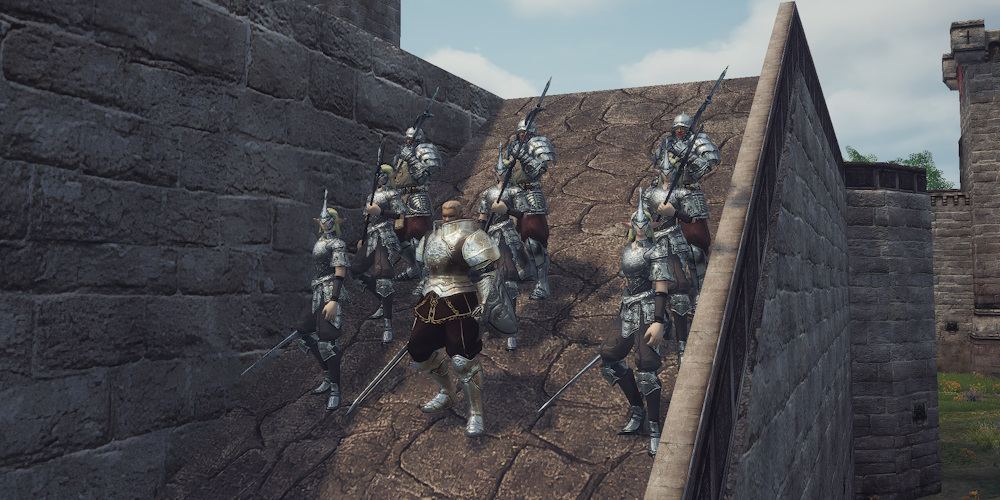
Guards are placed throughout the castle: in the courtyard, on the walls, balconies, and in the sanctuary. They are especially dangerous in narrow passages and when defending the sanctuary, where they can greatly slow down the attackers' advance. Guards on the walls and balconies use ranged attacks.
Types of Guards:
- Elven Swordsman
- Knight
- Elven Spearman
- Elite Spearman
- Elven Archer
- Elven Mage
- Battle Mage
- Lord Ruler — Only when the castle is under NPC control
Guards have different respawn times. Some respawn 4 minutes after death, while others do not respawn at all.
In castles under NPC control, the number of Guards is higher than in castles owned by clans.
Destructible objects
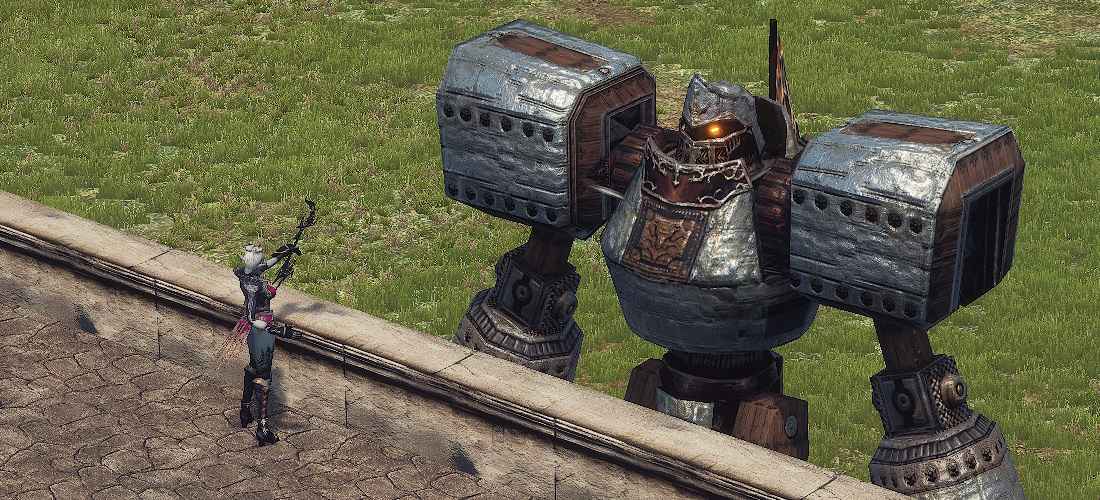
Castles contain destructible objects, which allows attackers to break inside and weaken the defense. Types of destructible objects:
- Main gates
- Inner gates
- Emergency exit gates on the roof
- Two destructible sections of the outer walls
- Grates
- Life Control Towers
- Flame Control Towers
Features:
- You can only enter and capture the castle after destroying defensive structures
- Destructible objects are highlighted when hovered, can be targeted, and attacked
- Gates consist of two sides, but breaking just one is enough to pass through
- Walls can only be destroyed in certain sections and only by a Siege Golem
- Grates protect the Control Towers: they can either be destroyed or bypassed
- The clan owning the castle can reinforce the gates and walls before the Siege at the NPC in the throne room
- After the change of castle ownership, destroyed objects are restored with 50% health, while all upgrades purchased by the former owners are reset to standard
Defenders are advised to prevent attacks on destructible objects, since destroyed objects do not recover over time and cannot be repaired or healed by players. The exception is if the castle is temporarily transferred to an allied clan and then returned: in this case, the objects are restored to 50% durability, but all upgrades are lost.
Pay attention!
Auto-attacks with weapons of the "Blunt" type deal increased damage to Gates and Grates.
 Summon Siege Golem
Lv. 1
is the only way to destroy walls.
The Golem can attack Castle Gates and Walls, as well as the Outposts of other attacking Clans.
Summon Siege Golem
Lv. 1
is the only way to destroy walls.
The Golem can attack Castle Gates and Walls, as well as the Outposts of other attacking Clans.
Control Towers
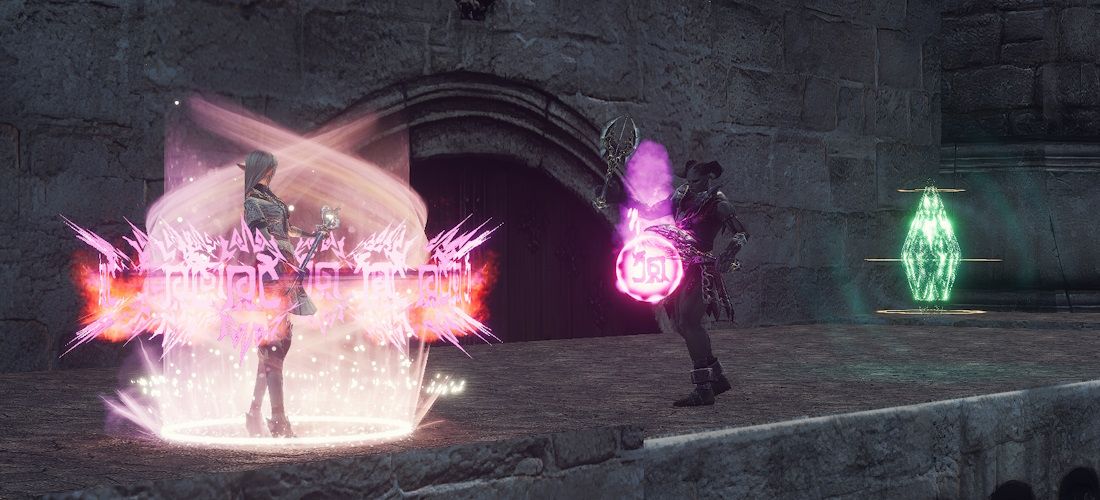
Control Towers — special castle mechanisms that determine the capabilities of defenders. Attacking forces can weaken defenders by destroying the castle's Control Towers.
There are 5 Control Towers located throughout the castle:
-
 Life Control Tower
— Life Control Tower x3
Life Control Tower
— Life Control Tower x3
-
Flame Control Tower
— Flame Control Tower x2
Life Control Towers allow defenders to resurrect fallen allies using skills and scrolls, and also provide fast teleportation from the respawn hall.
Locations of Life Control Towers:
- Above the main gates
- Above the emergency exit
- On the second tier of the sanctuary
Defender capabilities weaken as Control Towers are destroyed:
| Control Towers | Resurrection | Teleportation Time |
|---|---|---|
| 0 Life Control Towers destroyed | Available | 30 seconds |
| 1 Life Control Tower destroyed | Available | 30 seconds |
| 2 Life Control Towers destroyed | Not available | 30 seconds |
| 3 Life Control Towers destroyed | Not available | 8 minutes |
Flame Control Towers power traps within the castle. Destroying a Control Tower disables the trap linked to it:
- Flame Control Tower in the back courtyard — trap in front of the inner gates
- Flame Control Tower on the wall — trap in the back courtyard
Traps and Flame Control Towers are active only if the castle owner set them up before the Siege begins. When the castle changes ownership, traps are disabled. In castles controlled by NPCs, traps are inactive.
All Control Towers can be destroyed by both attacking forces and castle defenders.
Changing the castle owner restores Control Towers to 50% health.
Traps
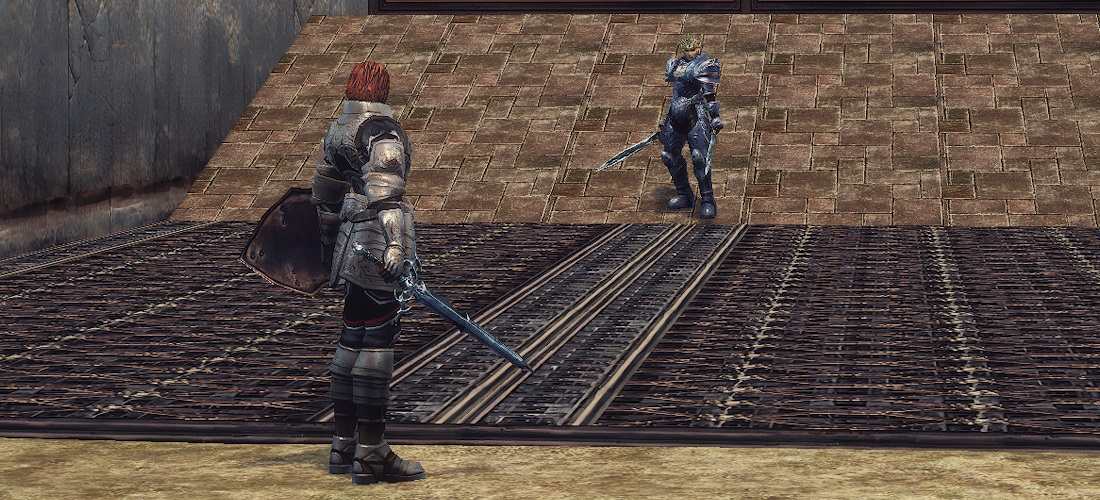
Traps are indestructible objects placed at strategic points in the castle, capable of slowing down and killing attacking characters.
There are two traps in the castle: one is in front of the inner gates, and the other is at the ramp leading up to the wall in the back courtyard.
Trap mechanics:
- Traps are active only if the castle owner enabled them before the Siege begins
- A trap triggers when an attacking character steps on it
- Traps slow the enemy and deal damage
- Traps are disabled when the corresponding Flame Control Tower is destroyed
- In castles controlled by NPCs, traps are disabled
Resurrection in the castle
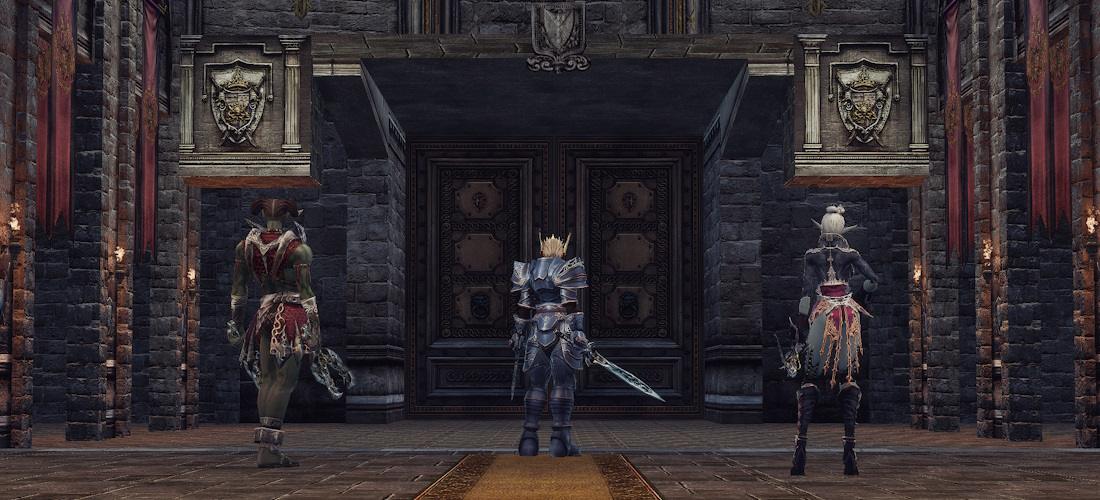
The Resurrection Hall is an area inside the castle where defenders and castle owners arrive when using teleportation scrolls to the castle, or after a character dies and clicks the "To Castle" button.
Inside the hall, there is an NPC who performs a one-time teleportation of all players from the Resurrection Hall to the Throne Room. Any defender character can activate the teleportation process.
Teleportation time:
- If at least 1 Life Control Tower is intact — 30 seconds
- If all Life Control Towers are destroyed — 8 minutes
When the countdown ends, all characters inside the Resurrection Hall will be teleported to the Throne Hall. Use this time to refresh buffs and restore resources. Attackers may wait in the Throne Hall to strike defenders immediately after teleportation.
Participants of the Defensive Siege Alliance can use the Resurrection Hall without restrictions until the alliance is broken.
The Resurrection Hall is isolated from the outside world; attacking characters cannot enter the hall or attack characters inside.
The teleportation countdown from the Resurrection Hall is not reset when the castle changes owners.
Example:
- Defenders activated teleportation with all Life Control Towers destroyed, starting an 8-minute countdown.
- During the countdown, the castle changed owners, and the former defenders were forcibly teleported to the safe zone.
- The new castle owners, entering the Resurrection Hall, will be teleported to the Throne Room only when the already running countdown ends. They cannot teleport in 30 seconds because the countdown was started by the previous owners.
- After the long countdown ends, the conditions reset to the standard 30 seconds if any Life Control Towers remain intact.
Holy Artifact
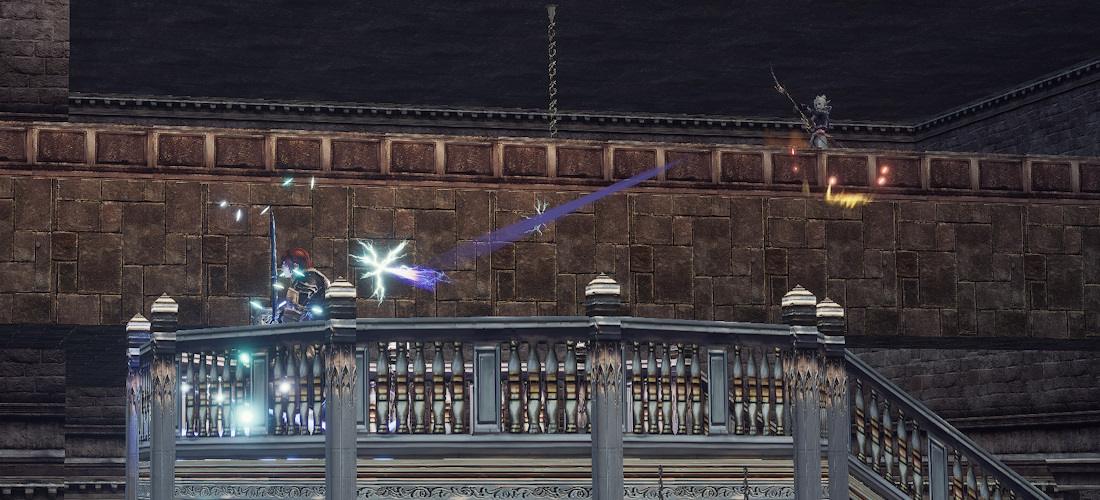
Holy Artifact — the main object of the castle. The clan controlling the Artifact becomes the owner and defender of the castle. The Artifact is located at the heart of the castle — the sanctuary behind the Throne Room.
Only the Leader of the attacking clan can capture control of the Artifact. To capture it, the following skill must be used:
 Seal of Ruler
Lv. 1
—
Engraves the Seal of Ruler on the holy artifact which guards the castle.
Seal of Ruler
Lv. 1
—
Engraves the Seal of Ruler on the holy artifact which guards the castle.
The capture process takes 3 minutes and can be interrupted by other characters. Clan members are recommended to protect the Leader during the capture process.
Re-capturing the Holy Artifact is available no earlier than 3 minutes after a successful capture and castle ownership change.
Defenders must prevent the attacking clan's Leader from completing the capture. Even one character interrupting the process can influence the outcome of the entire siege.
Events during Artifact capture:
- The clan capturing the Artifact becomes the new owner and defender of the castle
- The former owner and castle defenders become attackers
- All characters, except the new castle owners, will be teleported from the castle to the safe zone or to the Flag
- The health of all structures is restored to 50%
- Castle guards are resurrected
Additional events only occur during the first Artifact capture in a single Siege:
- All Siege Alliances are destroyed
- All castle upgrades are reset to standard
- Traps are disabled
High risk — high reward:
1. Clans in the attacking Siege Alliance cannot attack each other, and characters cannot interrupt the capture process of other Clan Leaders. Start the process first to gain control of the castle. If you were not the first, you can interrupt the capture process using a pre-prepared character outside the Clan, or have a character leave the Clan. Once a character leaves the Clan, they cannot rejoin during the Siege.
2. The defending clan that loses battles outside the castle can prevent attackers from reaching the Artifact. It is recommended to start the Artifact capture process in advance with an allied Clan registered as attackers and seize the castle. After the ownership change, all other clans will be teleported from the castle to the safe zone or to the set flag, and the former owning clan can return and attempt to capture the castle again. The capture process by the allied subordinate Clan should be conducted repeatedly, manually interrupting it before completion and restarting, and only completing it fully upon defeat in battle.
3. A castle-defending Clan can capture the castle with an allied Clan registered as attackers to restore the health of destroyed castle objects. Have the main Clan exit the Siege Combat Zone on foot and immediately return to the castle, preventing teleportation to the safe zone. The castle can be recaptured by the main Clan, but all castle upgrades will become unavailable.
Owner Privileges
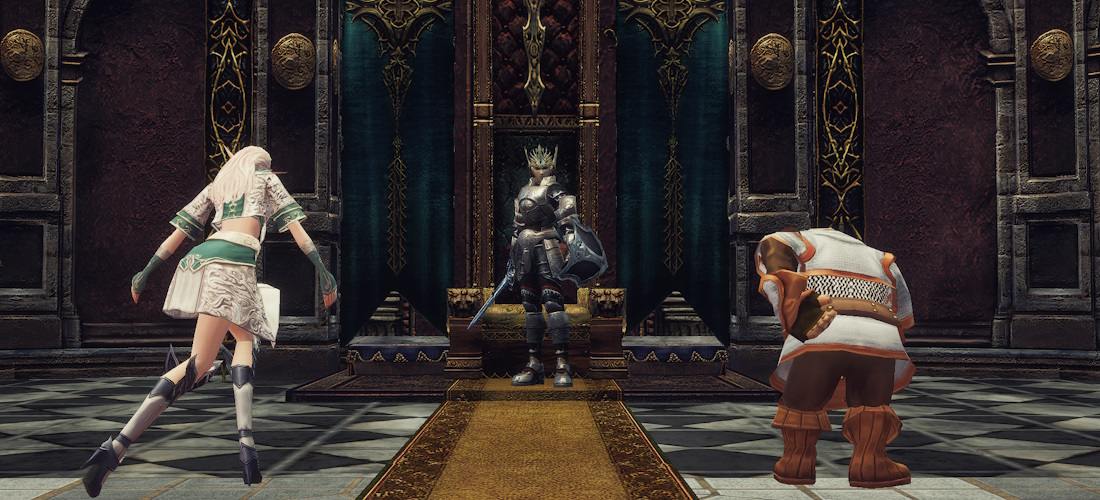
The owning Clan gains access to special castle items and functions.
New clan skill, universal for all castles:
 Banner of Victory
Lv. 1
Banner of Victory
Lv. 1
Effects of Banner of Victory
Your Clan Owns the Castle!
Max CP +10%
Max MP +5%
Incoming Heal Power +5%
Resistance to Stun +5%
Resistance to Hold +5%
Resistance to Sleep +5%.
Access to the castle's Magical Support for a duration of 1 hour:
Magic Support
-
 Pledge Wind Walk
Lv. 2
—
Speed +33.
Pledge Wind Walk
Lv. 2
—
Speed +33.
-
 Pledge Berserker Spirit
Lv. 1
—
P. Atk. +5%
Pledge Berserker Spirit
Lv. 1
—
P. Atk. +5%
M. Atk. +10%
Atk. Spd. +5%
Cast. Spd. +5%
Speed +5.
P. Def. -5%
M. Def. -10%
Evasion -2. -
 Pledge Shield
Lv. 2
—
P. Def. +12%.
Pledge Shield
Lv. 2
—
P. Def. +12%.
-
 Pledge Magic Barrier
Lv. 1
—
M. Def. +23%.
Pledge Magic Barrier
Lv. 1
—
M. Def. +23%.
-
 Pledge Acumen
Lv. 2
—
Cast. Spd. +23%.
Pledge Acumen
Lv. 2
—
Cast. Spd. +23%.
-
 Pledge Empower
Lv. 1
—
M. Atk. +55%.
Pledge Empower
Lv. 1
—
M. Atk. +55%.
-
 Pledge Haste
Lv. 1
—
Atk. Spd. +15%.
Pledge Haste
Lv. 1
—
Atk. Spd. +15%.
-
 Pledge Might
Lv. 1
—
P. Atk. +8%.
Pledge Might
Lv. 1
—
P. Atk. +8%.
-
 Pledge Focus
Lv. 1
—
P. Crit. Rate +20%.
Pledge Focus
Lv. 1
—
P. Crit. Rate +20%.
-
 Pledge Guidance
Lv. 1
—
Accuracy +2.
Pledge Guidance
Lv. 1
—
Accuracy +2.
-
 Pledge Vampiric Rage
Lv. 2
—
7% of the standard short-range physical damage inflicted on an enemy is recovered as HP.
Pledge Vampiric Rage
Lv. 2
—
7% of the standard short-range physical damage inflicted on an enemy is recovered as HP.
-
 Pledge Mental Shield
Lv. 1
—
Resistance to Hold +20%
Pledge Mental Shield
Lv. 1
—
Resistance to Hold +20%
Resistance to Sleep +25%
Resistance to Mental attaks +25%. -
 Pledge Concentration
Lv. 2
—
Magic cancel damage -25.
Pledge Concentration
Lv. 2
—
Magic cancel damage -25.
-
 Pledge Decrease Weight
Lv. 1
—
Weight Limit +3000.
Pledge Decrease Weight
Lv. 1
—
Weight Limit +3000.
-
 Pledge Blessed Shield
Lv. 1
—
Shield Defence Rate +5%.
Pledge Blessed Shield
Lv. 1
—
Shield Defence Rate +5%.
Castle Crowns with an active stun resistance skill:
Effects of Residential Shock Immunity
For Clan members:
 Circlet of Giran
NG
Circlet of Giran
NG
 Residential Shock Immunity
Lv. 1
—
Active: Momentarily increases Resistance to shock attacks.
Residential Shock Immunity
Lv. 1
—
Active: Momentarily increases Resistance to shock attacks.
For the Clan Leader:
 The Lord's Crown
NG
The Lord's Crown
NG
Residential Shock Immunity
Lv. 2
—
Active: Momentarily gives complete Resistance to shock attacks.
The active skill of the Lord's Crown grants full stun immunity. While the skill effect is active, stun effects do not deal damage to the Crown owner.
Effect duration: 7 seconds. Cooldown: 10 minutes.
Lord's Crown with Clan Summon Skill:
Clan Gate
Lv. 1
Features of Clan Gate
The skill can only be used by the Clan Leader. The gates remain active for 2 minutes. During the summoning, the Clan Leader cannot move or use other skills. If the skill is interrupted, the gates close. Cooldown: 1 hour.
To teleport to the Leader, clan members must speak with the NPC Court Magician in the castle's throne hall and select the corresponding dialogue option.
Territorial Taxes:
About Taxes:
The Clan Leader can set a tax on territories owned by the castle, ranging from 0% to 15%.
The collected funds go to the Castle Clan Treasury.
A portion of the funds is sent to the Capital Castle, even if it is under NPC control.
Other Functions:
- Respawn in the castle upon death and recovery of part of lost Experience
- Increased HP/MP regeneration within the castle territory
- Teleportation from the castle to adjacent territories
- Purchase of regular and blessed Teleport Scrolls to the castle
- Clan Emblem displayed next to NPC names in territories owned by the castle
Preparing for defense
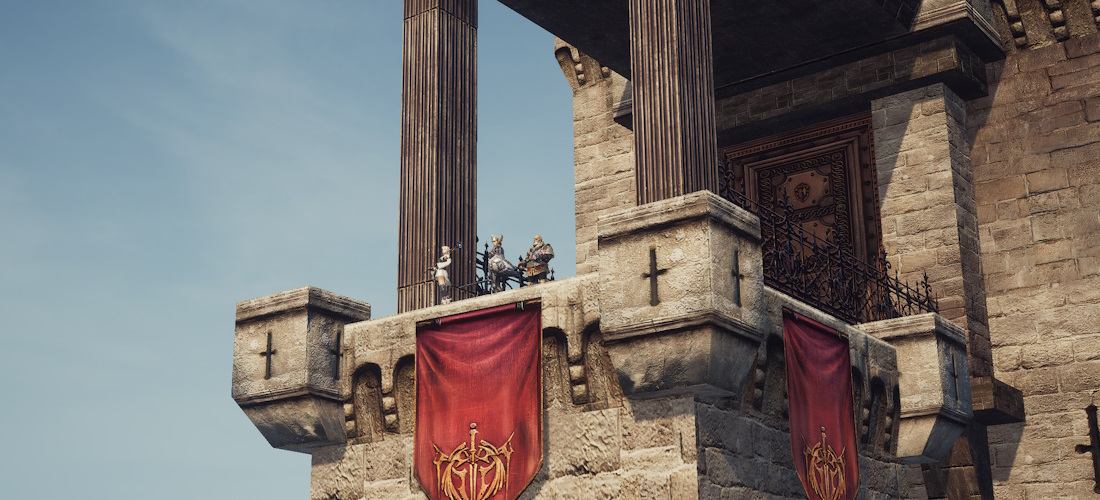
To successfully defend the castle during a siege, the Clan Leader should prepare for the castle's defense.
Preparation Recommendations:
- Reinforce the castle gates and walls. This function is available through the NPC in the Throne Hall.
- Activate Traps. This function is available through the NPC in the Throne Hall.
- Prepare a castle defense plan, distributing your forces according to the castle layout and terrain.
- Actively recruit members into the clan, as many players will want to join the castle-owning clan.
- Form alliances with other clans.
- Confirm the registration of Clans for castle defense.
NPC Chamberlain Functions for Castle Reinforcement: Gate and wall strengthening, trap activation.
Main Gate Reinforcement
- Manage Castle Function
- Manage the siege function
- Reinforce gates and walls
- Reinforce outer castle gate
- 3 000 000 / 4 000 000 / 5 000 000 Adena
Inner Gate Reinforcement
- Manage Castle Function
- Manage the siege function
- Reinforce gates and walls
- Reinforce inner castle gate
- 750 000 / 900 000 / 1 000 000 Adena
Wall Reinforcement
- Manage Castle Function
- Manage the siege function
- Reinforce gates and walls
- Reinforce castle walls
- 1 600 000 / 1 800 000 / 2 000 000 Adena
Inner Gate Trap Activation
- Manage Castle Function
- Manage the siege function
- Deploy trap device
- Activate the trap near the entrance of the inner castle
- 3 000 000 Adena
Backyard Trap Activation
- Manage Castle Function
- Manage the siege function
- Deploy trap device
- Activate the trap behind the garden in the inner castle
- 3 000 000 Adena


 Quests for 1, 2 and 3 classes
 C/B/A-Grade Sets Upgrades
 Ng/D-Grade Sets Upgrades
 Ng/D Equipment upgrade
 Lu4: Quests in Starter Zones (1-19)
 Lu4: Quest Updates
 Lu4: Equipment Quests
 Lu4: Quests 20-39
 Lu4: Quest Jovial Accordion 15+
 Lu4: Quest Bard's Mandolin 15+
 Lu4: Quest Fantasy Wine 20+
 Lu4: Quest Adept of Taste 20+
 Lu4: Quest Bring Out the Flavor of Ingredients! 20+
 Lu4: Quest Magnificent Feast 20+
 Lu4: Quests 40-60
 Lu4: Quest Song of Hunter 30+
 Lu4: Temple Executor quest chain 35+
 Lu4: Quest Coins of Magic 40+
 Lu4: Alligator Hunter 40+
 Lu4: Under the Shadow of the Ivory Tower 40+
 Lu4: Quest Let's Become a Royal Member! 48+
 Lu4: Quest Kail's Magic Coin 48+
 Lu4: Quest Warehouse Keeper's Pastime 40+
 Lu4: Quest 1000 years, the End of Lamentation 48+
 Lu4: Quest Seductive Whispers 50+
 Lu4: Castle Sieges
 Game Event: King of the Hill
 Mid Company on Masterwork
 Game event: Hot spot
 Game Event: Monolith
 Keltirs of Elmoreden
 Harbingers of Ankou
 Judicator - main class. Quest Seeds of Chaos 76+
 Player Killer or PK - game rules
 Phantom Summoner's servitors
 Attribute System
 How to make adena selling shots
 Summoner's Transformations
 Clan Halls
 Tattoo Guide
 Weapons for Olympiad
 Exp Boost Guide
 How to Start Playing